
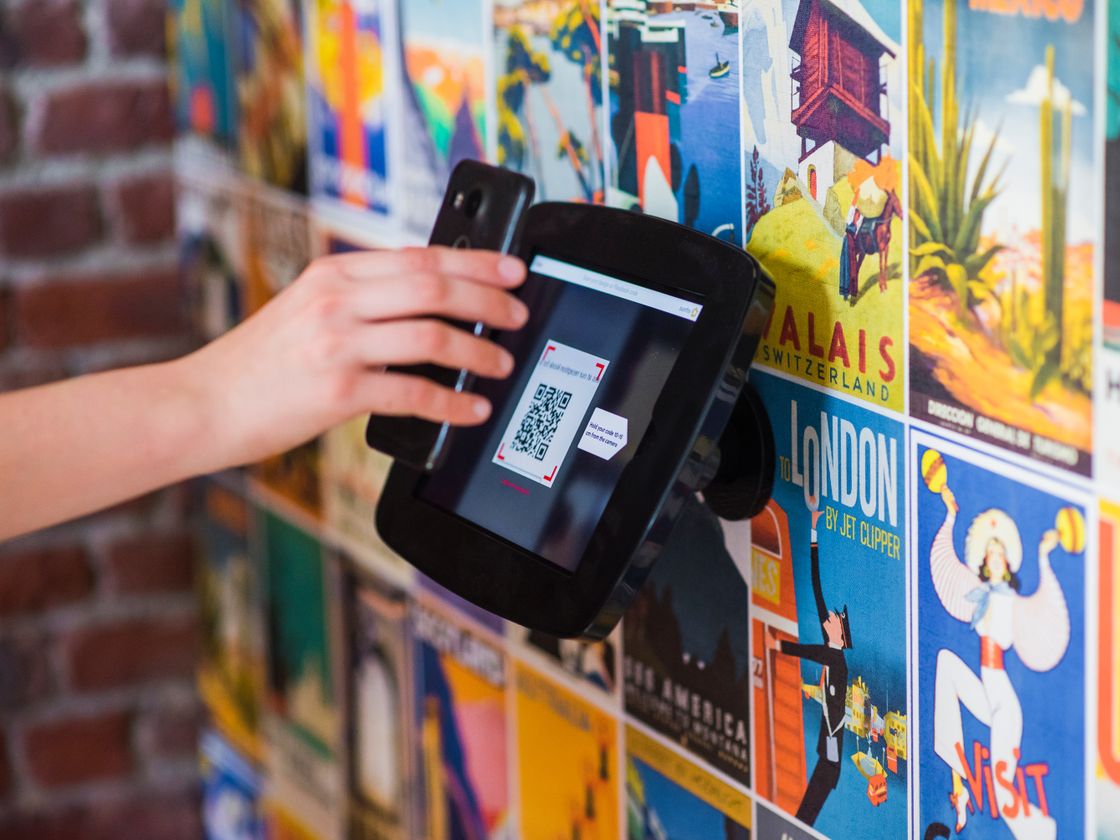
You print a flyer, a package or a poster with your web address, and almost nobody types it in. Worse, when the page moves or the campaign ends, the printed link is dead. A Website URL QR code takes people to your page in one scan, and with Infinite QR you can change where it points later.
The problem
Web addresses are a poor fit for print. People will not type a long link from a poster, and even short ones get mistyped. Every extra step loses someone, so a good page gets fewer visits than it should.
Then there is the second problem: printed things last longer than web pages. A menu, a product page or a promotion changes, and the paper still shows the old address. You either reprint everything or send customers to an error page.
You also cannot tell which printed item works, because a plain link does not tell you who scanned it from where.
How a Website URL QR code solves it
With Infinite QR, the Website URL code is a dynamic link. Here is what happens when someone scans it:
- They scan the code with their phone camera.
- The code opens a short link that belongs to your account.
- They are sent to your page, which loads in their browser.
Because the code points to a short link rather than holding your full address, you can change the destination at any time without reprinting. Each scan is recorded with the date and time, approximate location and device type. Read more about dynamic QR codes.
This makes the code useful for the long run. You can print it once on something durable, such as a sign, a sticker or a package, and keep the destination current as your business changes. A seasonal offer can replace last season’s page without anyone touching the print.
Who it’s for
- Small businesses. Put the code on flyers, window signs and business cards to send people to your website.
- Product makers. Link packaging to a how-to page or reorder page. See QR codes for product packaging.
- Marketers. Use a different code on each ad or mailer and compare the scan counts.
- Real estate and service businesses. Point a yard sign or van wrap to a listing or booking page.
- Event organizers. Link posters and tickets to a schedule page you can update.
- Creators and freelancers. Send people from a print portfolio to your online work.
How to create one with Infinite QR
- Sign up. The Website URL type is included in the Free plan ($0, no credit card), which gives you 3 dynamic codes and 1,000 scans.
- Choose Website URL in the QR code generator.
- Paste your page address. Copy it from your browser to avoid typos.
- Customize the look. Pick colors and a shape. The Free plan includes colors and 4 shapes. Adding a logo is available on paid plans, which start at $1 a month.
- Download it as PNG or SVG.
- Test-scan before printing. Scan the code and make sure it opens the right page on a phone.
Free or paid?
The Free plan has 3 dynamic codes and 1,000 scans, but no logo and no custom domain. Paid plans start with Starter at $1 a month ($12 a year): 10 dynamic codes, 10,000 scans, 1 custom domain and your logo in the code. Lite ($1.50 a month) has 15 dynamic codes, 15,000 scans and 2 custom domains. Pro ($2 a month) has 17 dynamic codes, 17,000 scans and 3 custom domains. With a custom domain, your short links can carry your own brand. See pricing for details.
Tips for better results
- Tell people why to scan. “Scan to see the menu” beats a bare code.
- Link to a mobile-friendly page. Most people scan on a phone.
- Use one code per placement. That way you can compare results. See how to track QR code scans.
- Print it large enough with strong contrast. See the QR code size guide.
- Keep the destination live. If a page goes away, update the code rather than leaving a dead link.
A good habit is to name your codes clearly inside your account, for example by placement or campaign, so that you know at a glance which code sits on which printed item. When you review the scan data later, those names make the comparison easy and help you decide what to print more of.
Common mistakes to avoid
- Linking to a desktop-only page. It will be hard to use on a phone.
- Skipping the test scan. Always scan the printed code.
- Using one code everywhere. You lose the ability to tell placements apart.
- Letting the code run out of room. Watch your plan’s dynamic code and scan limits.
- Making the code too small or low-contrast.
If you are not sure which page to link to, think about what your customer wants at that moment. A person scanning a shop window wants hours or a menu; a person scanning a package wants help or a reorder page; a person scanning a poster wants to sign up or learn more. Send them straight there rather than to a home page they have to search.
Questions people ask
Can I change the web address after printing?
Yes. This is a dynamic code, so you can change the destination without reprinting.
Can I see how many people scanned it?
Yes. Each scan is recorded with the date and time, approximate location and device type.
Is it really free?
Yes. The Free plan costs $0, needs no credit card and includes Website URL codes within its limits.
Can I add my logo?
Logos are available on paid plans, starting at $1 a month.
Ready to try it? Create your free account and make your first Website URL QR code.
