Your phone rings in the middle of a haircut, a repair job or a class, and you can’t answer. Customers who want to book give up or call someone else, while you play phone tag trying to find a time that works.
The problem
Booking by phone or message sounds simple, but it eats time on both sides. The customer asks what’s open, you suggest a slot, they say it doesn’t work, you suggest another. A five-minute task turns into a string of messages spread over several days.
It also happens at the worst moments. Small businesses are often busy doing the actual work when someone wants to book, so calls go to voicemail. People who just want to pick a time and be done with it rarely leave a message.
And outside business hours, there is no one to answer at all. A customer who is thinking about booking at 9 p.m. on a Sunday has nowhere to go unless you have made it easy for them.
Customers also change their minds quickly. Someone who is ready to book while standing at your door may feel differently by the time they get home. A code that works in the moment, on the spot, catches that interest while it is still warm.
For you, the benefit is fewer interruptions. Instead of stopping mid-job to answer a call and juggle a calendar, you can let the booking page do the talking. Customers see the choices you set up and choose from them, which keeps the conversation focused on what you actually offer.
How a Booking QR code solves it
A Booking QR code opens a mobile booking page where customers choose a date and time slot themselves. From the customer’s side:
- They scan the code with their phone’s camera. No app is needed.
- Your booking page opens in their browser, showing your business and what they can book.
- They pick a date and a time slot that suits them.
- They confirm, and they’re done — without calling, waiting or going back and forth.
The code works wherever it is printed, so a customer can book from your window, your flyer or your business card the moment they think of it.
It is also friendly for people who dislike phone calls, which is a lot of people. Choosing a slot on a screen feels easier and more private than calling a stranger.
Who it’s for
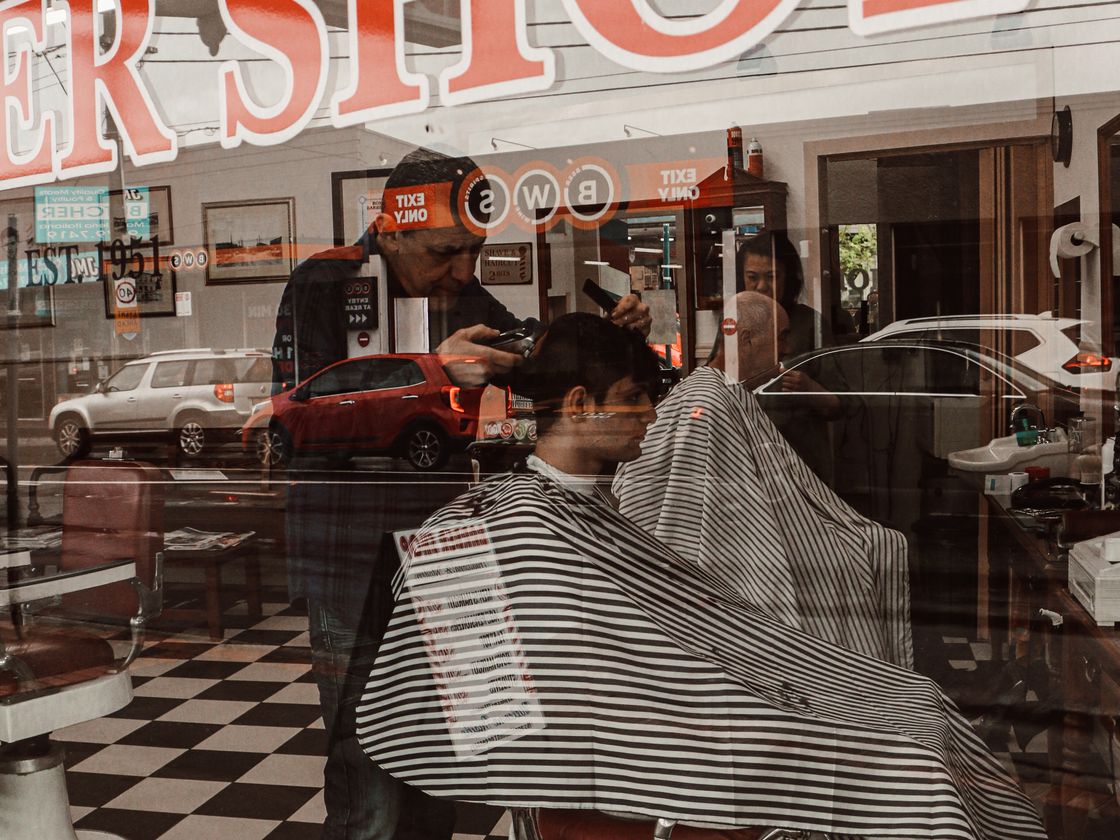
- Salons and barbershops. Put the code on the mirror, the window or a card handed out at checkout so clients book their next visit before they leave.
- Personal trainers and coaches. Add it to a flyer or social profile so people can grab a session slot.
- Mobile service providers. Detailers, cleaners and handymen can print it on vehicles and door hangers.
- Clinics and wellness studios. Place it in the waiting room or on appointment cards for follow-up visits.
- Tutors and music teachers. Share a code on a flyer at the school or community board.
- Photographers and pet groomers. Put it on cards so a customer can reserve a slot on the spot.
How to create one with Infinite QR
The Booking type is included in every paid plan, starting with Starter at $1 a month. It is not available on the Free plan.
- Sign up and choose a paid plan on the pricing page.
- Choose the Booking type in the QR code generator.
- Fill in the details. Add your business information and set up the date and time slots people can choose from.
- Customize the design. Choose colors and a shape, and add your logo (logos are a paid-plan feature).
- Download your code as a PNG or SVG.
- Test-scan before printing. Scan it on your own phone, go through the booking steps and make sure it all looks right.
It is a dynamic code, so you can update your page without reprinting, and scans are recorded with date, time, approximate location and device type. More on that in dynamic QR codes, and a longer walkthrough is in our guide to a QR code booking page.
Tips for better results
- Use a clear call to action. “Scan to book your appointment” tells people exactly what will happen.
- Put it where people decide. The front desk, the mirror, the receipt and the thank-you card are all natural places.
- Offer a few realistic slots. Only list times you can actually honor, so you don’t have to turn people down later.
- Print it big enough. A code on a window should be larger than one on a business card. Our size guide helps.
- Test in the real location. Check lighting, glare and phone signal where the code will hang.
Common mistakes to avoid
- Hiding the code. A tiny code at the bottom of a flyer gets missed. Give it room and a heading.
- Leaving the call to action out. People need a reason to scan.
- Not testing the full flow. Scan the code and go through the booking page yourself before printing.
- Low contrast. Use a dark code on a light background so any camera can read it.
- Putting it on glossy surfaces under direct light. Glare can make a code hard to scan.
Questions people ask
Do customers need an app or an account?
No. They scan with their phone camera and the booking page opens in the browser.
Can I change my available times later?
Yes. The Booking code is dynamic, so you can update the page without changing the printed code.
Can I see how often the code is scanned?
Yes. Each scan is recorded with the date, time, approximate location and device type. See QR code tracking.
Is Booking on the Free plan?
No. It is included in every paid plan from $1 a month.
Want customers to book without the phone tag? See the plans on our pricing page. The Booking type is included in every paid plan from $1 a month.