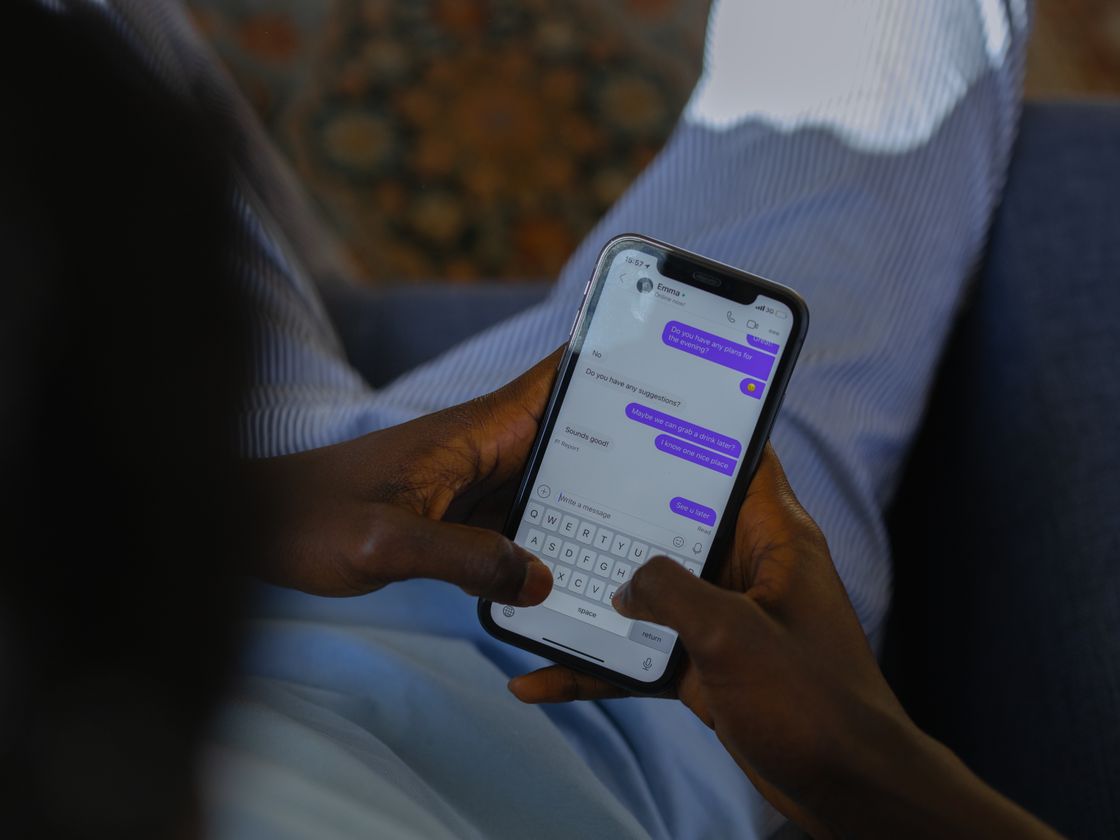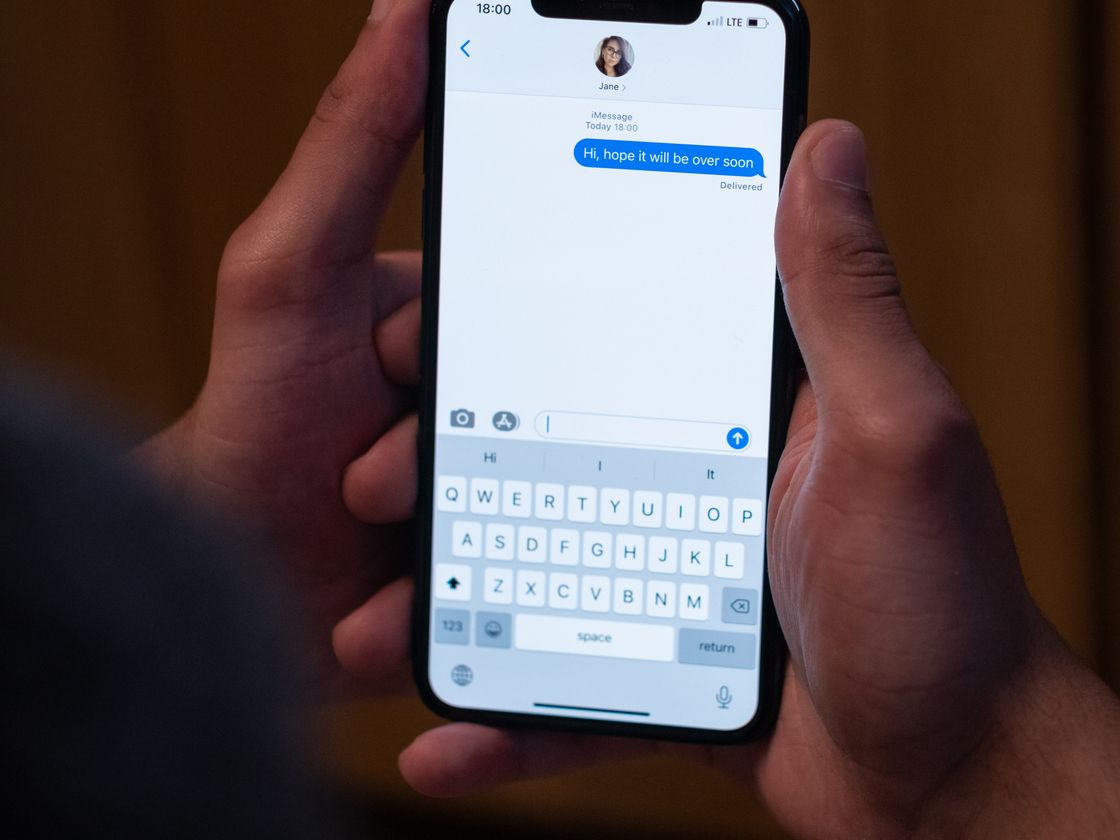
Plenty of customers would rather text than call, but they will not bother if they have to save your number and type a message first. An SMS QR code opens a text to you with the number and message already filled in.
The problem
Texting is quick and low pressure, which is why customers like it. For you it is great too: you can answer between jobs, send a quote, or confirm a time. The friction is on the way in. People have to read your number off a sign, create a new message, type the number and then decide what to write.
That last part matters. A blank message box makes people hesitate. When messages do arrive, they can be vague, such as “hi,” and you need two more rounds to learn what they want. If you run a promotion, a keyword text-in or a waitlist, you need people to send exactly the right words.
How an SMS QR code solves it
An SMS QR code holds a phone number and an optional pre-written message. Here is what happens when someone scans it:
- They point the phone camera at the code.
- Their messaging app opens with a new text addressed to your number, with your message already typed.
- They tap send. Their normal messaging rates apply.
The pre-filled text can be something like “Hi, I’d like a quote for a lawn visit.” You get a clear message each time, and they do not have to think about what to say. Nothing is sent until the person taps send.
This also makes it easier to run on a busy day. If you already answer texts from a business phone, an SMS code simply feeds that same inbox with clearer requests. You can print different codes with different pre-filled messages, for example one for quotes and another for questions about an existing order, so you know what each text is about before you open it.
Who it’s for
- Local service businesses. A code on a truck or flyer that opens a text asking for an estimate.
- Salons and barbers. Let clients text to ask about openings.
- Restaurants and cafes. A “Text us to join the waitlist” sign at the door. See our post on text-us QR codes.
- Real estate and rentals. A yard sign code that texts “Send me details on 12 Oak St.” (use your own address text).
- Event organizers. A code at the venue that texts a keyword to your team.
- Retail shops. A counter code for questions about orders or custom requests.
How to create one with Infinite QR
- Sign up. Create your Infinite QR account. SMS is not part of the Free plan.
- Choose the SMS type. It is included in every paid plan, starting with Starter at $1 a month. The app offers a static and a dynamic version.
- Fill in the details. Enter the phone number that should receive texts and the message you want pre-filled.
- Customize. Pick colors and a shape, and add your logo on paid plans.
- Download. PNG for most uses, SVG for large print.
- Test-scan. Scan with your phone, confirm the number and message look right, and only then print.
Static or dynamic? With the static version, the number and message are stored inside the code, so to change them you create and print a new code, and scans are not counted. With the dynamic version, you can edit the details after printing, and each scan records the date and time, approximate location and device type. If your number or wording might change, or you want to know how many people scanned, choose dynamic. Read more about static vs dynamic QR codes. Dynamic codes use up one of the dynamic codes in your plan.
Tips for better results
- Write a specific pre-filled message. “I’d like to book a cleaning” gives you something you can answer right away.
- Keep the message short. A long pre-filled text feels pushy and may not display well.
- Tell people what happens. “Scan to text us” or “Scan to text for a quote” sets expectations.
- Put the number in print too. It lets people text manually if scanning fails.
- Reply fast. Texters expect quick answers, so say your hours.
- Make it large enough. See the QR code size guide for distances.
Common mistakes to avoid
- Using a landline number. Landlines usually cannot receive texts. Use a mobile or text-capable number.
- Typos in the number or message. Test before printing.
- Using static when details may change. You will end up reprinting.
- Promising something the text cannot deliver. If you say “instant reply,” be ready to reply.
- Ignoring messaging rules. If you plan to send marketing texts later, check the rules that apply to your messages and region.
A good habit is to review the incoming texts after your first week. If people keep asking the same follow-up question, put the answer in the pre-filled message or on the sign next to the code, so the next conversation starts further along. If you choose the dynamic version, you can adjust the wording without touching the printed code.
Questions people ask
Does the person have to send the text?
Yes. The scan only opens a draft. They choose whether to send it.
Can I change the message after printing?
With the dynamic version, yes. With the static version, no.
Does it work on iPhone and Android?
Current phones can read QR codes with the camera and open the messaging app.
Is a call code better?
It depends on your customers. You can offer both, using a phone call QR code for people who prefer to talk.
Want to try it? SMS QR codes are included in every paid plan from $1 a month. View pricing and start.