Customers get lost on the way to you, guests miss the entrance, or a delivery driver circles the block. Street addresses do not always point to the right door. A location QR code opens your exact spot in a map app with one scan.
The problem
An address on a flyer or card is only useful if the person copies it into a map app correctly. Many do not bother. Others type it wrong, pick a similar street or land at the wrong side of a large building.
Some places are hard to describe in words: a market stall in a big hall, a trailhead, a field for an outdoor event, a back entrance or a loading dock. For these, “123 Main Street” is not enough.
The result is late arrivals, missed appointments and a lot of “where are you?” phone calls. A location QR code gives people a pin on the map instead of a description.
How a location QR code solves it
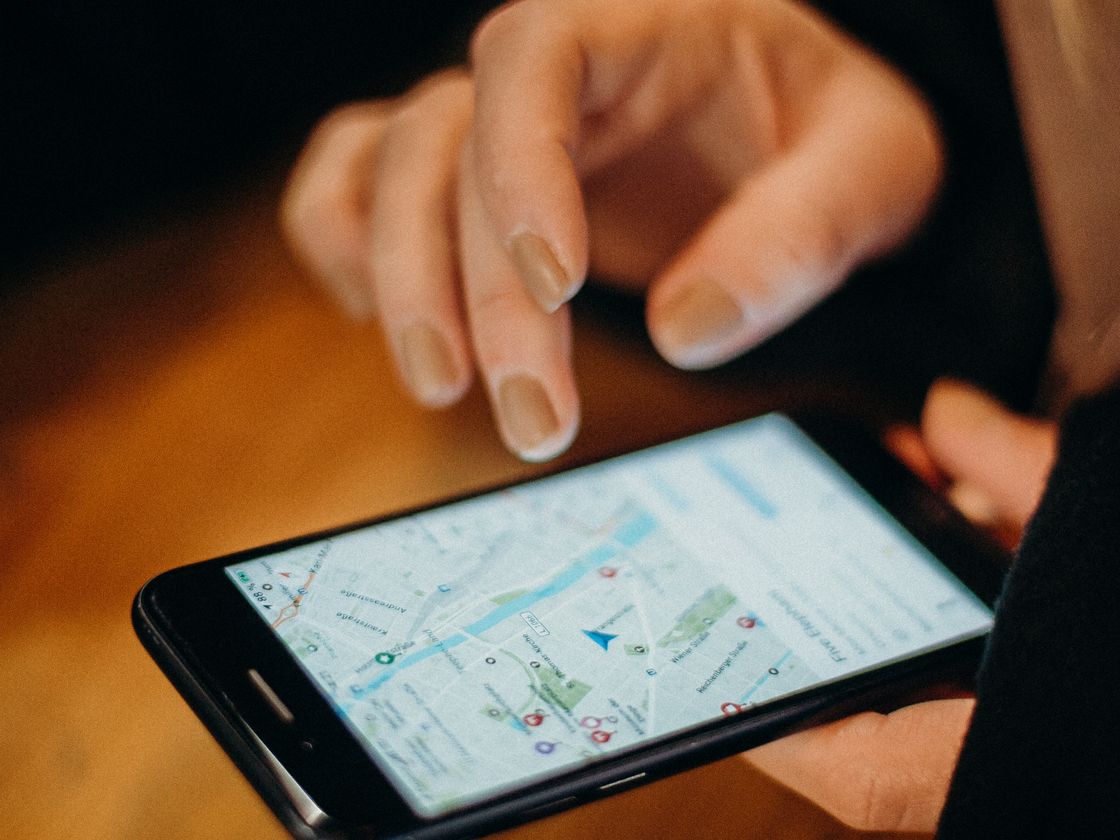
A location code stores a set of map coordinates inside the code. Here is what the person scanning sees:
- They scan the code with their phone camera.
- The phone offers to open the location in a map app.
- They see your pin and can start directions from where they are.
Which map app opens depends on the person’s phone and settings.
This is especially helpful for people who are in a hurry or unfamiliar with the area. They do not need to read an address, think about spelling or search for your business name among similar ones. They scan, check the pin and go. For visitors who speak another language, a pin on a map also removes the need to read street names at all.
It works well on printed material that people take with them, such as a flyer on a fridge or an invitation on a desk, because the directions travel with the paper. The same card can be scanned by someone across town or standing right outside, and both see the same pin.
Who it’s for
- Shops and offices with hard-to-find entrances. Put the code on flyers, mailers and business cards.
- Event organizers pointing people to a venue, parking area or meeting point.
- Real estate agents who want buyers to find the exact property. Add it to yard signs and brochures.
- Delivery and home services who need a customer’s drop-off point. Read our location and directions guide.
- Market and food truck vendors who set up at the same spot every week.
- Parks, trails and campsites where an address means little.
How to create one with Infinite QR
- Sign up. Create your Infinite QR account. The Location type is included in every paid plan, starting with Starter at $1 a month. It is not part of the Free plan.
- Choose the Location type in the QR code generator.
- Fill in the location details. Provide the coordinates of the exact spot you want people to reach. Check them in a map app first so the pin lands on the entrance, not just the building.
- Customize the design. Choose colors and a shape, and add your logo (logos are available on paid plans).
- Download it as PNG or SVG.
- Test-scan before printing. Scan it and confirm that the pin is in the right place.
A static code, with a dynamic option
The Location code is static: the coordinates are stored inside the code, so it cannot be changed after printing and scans are not counted. If you move, you must make and print a new code. If you want a code you can redirect later, make a dynamic Website URL code pointing to a page or a map link you control. You can change where it points without reprinting, and each scan is counted.
Tips for better results
- Add a clear call to action. “Scan for directions” is short and obvious.
- Put the written address beside the code for people who prefer it.
- Place it where people plan their trip: flyers, invitations, appointment cards and your website.
- Print it large enough. See the QR code size guide.
- Use it for the real entrance. If guests should use a side door, pin that door.
If you manage several places, such as two shops or a venue with a separate parking lot, make one code per spot and label each clearly. That way a visitor looking for parking is not sent to the front door, and your team can hand out the right card for each situation.
Common mistakes to avoid
- Pinning the wrong spot. Check the coordinates on a map before printing.
- Not testing on a real phone, ideally while standing somewhere else.
- Printing a lot of static codes for a place that may move.
- Forgetting the address text. Some people will want to read it.
Think about the moment of use, too. Someone scanning a flyer at home is planning a trip, while someone scanning a sign at your door is already there. Write your call to action for the right moment, such as “Scan for directions to our front entrance” or “Scan for parking”, so the code answers the question your visitor actually has.
Questions people ask
Can I change the location after printing?
No. The Location code is static. Create a new code and print it again, or use a dynamic Website URL code if the spot may change.
Which map app will it open?
That depends on the phone and its settings. The scanner decides.
Can I see how many people scan it?
Not with this type. Static codes do not count scans.
Is it on the Free plan?
No. It is included in every paid plan, starting at $1 a month.
Ready to guide people to your door? The Location QR code is included in every paid plan from $1 a month. See the plans and get started.