Your customers use Viber every day, but connecting with a business on it means saving a phone number and starting a chat from scratch. A Viber QR code puts the whole thing behind one scan.
The problem
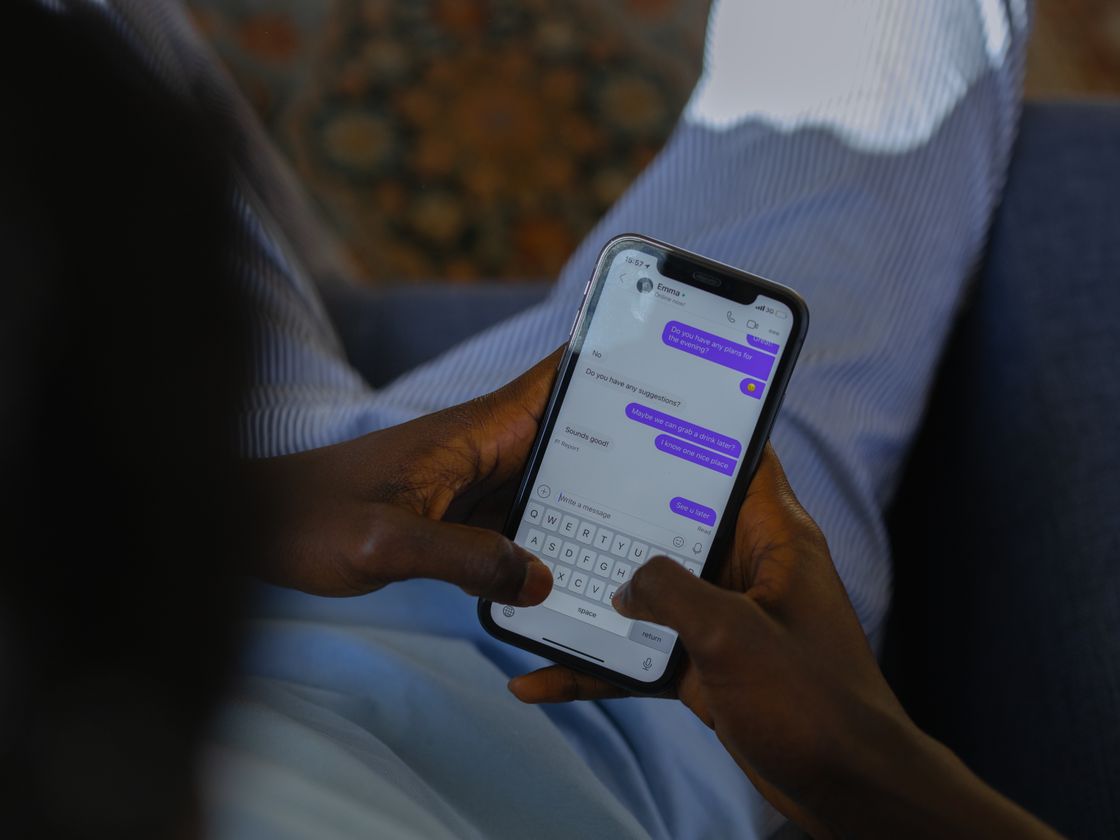
In many places, Viber is a main way people talk to each other and to the businesses they use. Customers ask about orders, appointments and prices there, and they expect a quick answer.
The friction comes at the start. A printed phone number has to be typed in, saved as a contact, and then found again inside the app. Each step is a chance to make a mistake or lose interest. If a digit is wrong, the message goes to a stranger.
When a customer is standing at your counter or looking at your flyer, you want the shortest path between curiosity and a message. Typing a long international number is not that path.
How a Viber QR code solves it
A Viber QR code points to your Viber number. From the customer’s side:
- They scan the code with their phone camera.
- Their phone offers to open Viber.
- A chat with your number opens, ready for their first message.
The Viber app needs to be installed on their phone. What the customer sees can vary by device and app version, so test with your own phone.
The Viber type is a static code. The number is stored inside the code, so you cannot change it after printing and scans are not counted. If your number changes, you make and print a new code. If you want something you can redirect later, or scan counts, use a Website URL code, which is dynamic and included in the Free plan.
For you, the benefit is a steady flow of messages from people who found you in the real world. A code on a window, receipt or delivery bag can carry the same simple invitation to every customer, around the clock, with no staff time needed to hand out your number again and again.
Who it’s for
- Shops and market vendors who answer product questions by chat.
- Service providers such as cleaners, drivers and repair technicians, who take booking requests.
- Travel and tour operators who stay in touch with guests by chat.
- Restaurants and delivery businesses who take orders or reservation questions.
- Clinics and studios who handle appointment questions.
- Community organizers who want people to reach them from a poster or flyer.
How to create one with Infinite QR
The Viber type is included in every paid plan, starting with Starter at $1 a month. It is not part of the Free plan.
- Sign up and choose a paid plan from the pricing page.
- Choose the Viber type in the QR code generator.
- Enter your Viber number. Include the country code and double-check every digit.
- Customize the code. Choose colors and a shape, and add your logo on a paid plan.
- Download a PNG or SVG.
- Test-scan before printing. Scan it with a phone that has Viber and confirm it opens the right chat.
Before you print, confirm that the number is registered on Viber and that you can reply from it. Send yourself a test message from a second phone. It is a small check, but it catches the most common problems: a number typed with the wrong country code, or a number not yet linked to the app.
Tips for better results
- Label the code. “Scan to message us on Viber” tells people exactly what to expect.
- Use a number you actively monitor. People expect a reply soon after sending a message.
- Print at a sensible size. Window and poster codes should be much larger than card codes. See our size guide.
- Keep contrast high. A dark code on a plain light background scans fastest.
- Offer a second option. Not everyone uses Viber, so also show a call code or other contact option.
A few minutes of care before printing saves a lot of trouble later. Print a single proof on the same paper or material you plan to use, and scan it from the distance a real person would. Try it in the lighting where it will hang, whether that is a bright window, a dim restaurant or a car dashboard. Ask a friend who has never seen it to scan it without any help from you. If they hesitate, the call to action needs to be clearer. Once you are happy, keep a digital copy of the file so you can reprint it exactly the same way when you need more.
Think about the full journey, too. A scan is only the first step, so picture what the person does afterward and whether it is easy. The best codes are the ones where the next action is obvious and takes only a few seconds, and where nothing about the experience makes the person wonder whether they should have bothered.
Common mistakes to avoid
- Missing country code. A number without it may not connect.
- Using a number that is not registered on Viber. The chat will not open as expected.
- Printing before testing. A mistake in a static code means reprinting.
- Expecting stats. Static codes do not record scans.
Questions people ask
Does the person scanning need Viber?
Yes. The code opens the Viber app, so it needs to be installed.
Can I change the number later?
Not on this type, because the number is stored inside the code. You would create and print a new one.
Why would I choose a dynamic code instead?
Dynamic codes can be edited after printing and show scan counts. See dynamic QR codes for the details.
Is it free?
The Viber type is included in every paid plan from $1 a month, not in the Free plan.
Ready to make messaging you effortless? The Viber QR code is included in every paid plan from $1 a month — see the plans.