You accept crypto, or you collect donations in it, and every payment starts with someone copying a long wallet address by hand. One wrong character and the funds are gone. A crypto QR code lets people scan your wallet details instead of typing them.
The problem
Wallet addresses are long strings of letters and numbers. Nobody can read one aloud reliably or type it from a printed page without risk. People copy and paste, switch between apps and sometimes pick the wrong address from a list.
The stakes are high. Crypto sent to a wrong address generally cannot be reversed. So the more manual steps between your wallet and the sender, the more chances for an expensive mistake.
You need a way to hand your wallet details to the sender exactly as they are. A QR code does that without anyone retyping a single character.
How a crypto QR code solves it
A crypto QR code stores your wallet details in a format that wallet apps can read. Here is the customer’s side:
- They open their wallet app and choose the option to send or scan.
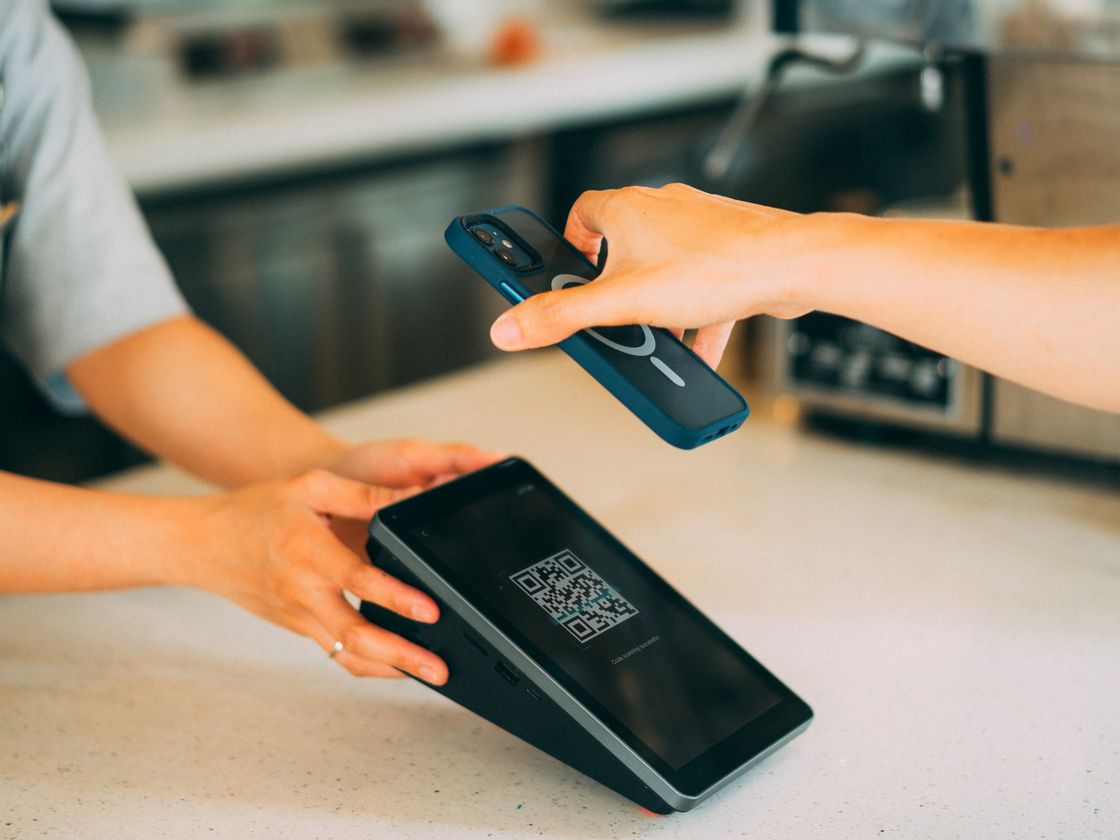
- They scan your code. The wallet fills in your address (and any other details you included).
- They check the details, choose the amount and confirm the transaction.
Infinite QR only creates the code. The transfer happens in the sender’s wallet, and Infinite QR never holds or processes any funds.
The code saves the sender from copying a long address by hand, which cuts down on guesswork. The sender still reviews everything in their own wallet before anything is sent, and that final check is where they should take their time.
It also helps with trust. When people see a clearly labeled code from a business they know, they do not have to wonder whether a pasted address in a chat message was altered. Putting the same code on your website, your invoices and your counter sign gives people one consistent source to compare against.
Who it’s for
- Online sellers and freelancers who accept crypto and want to put payment details on an invoice.
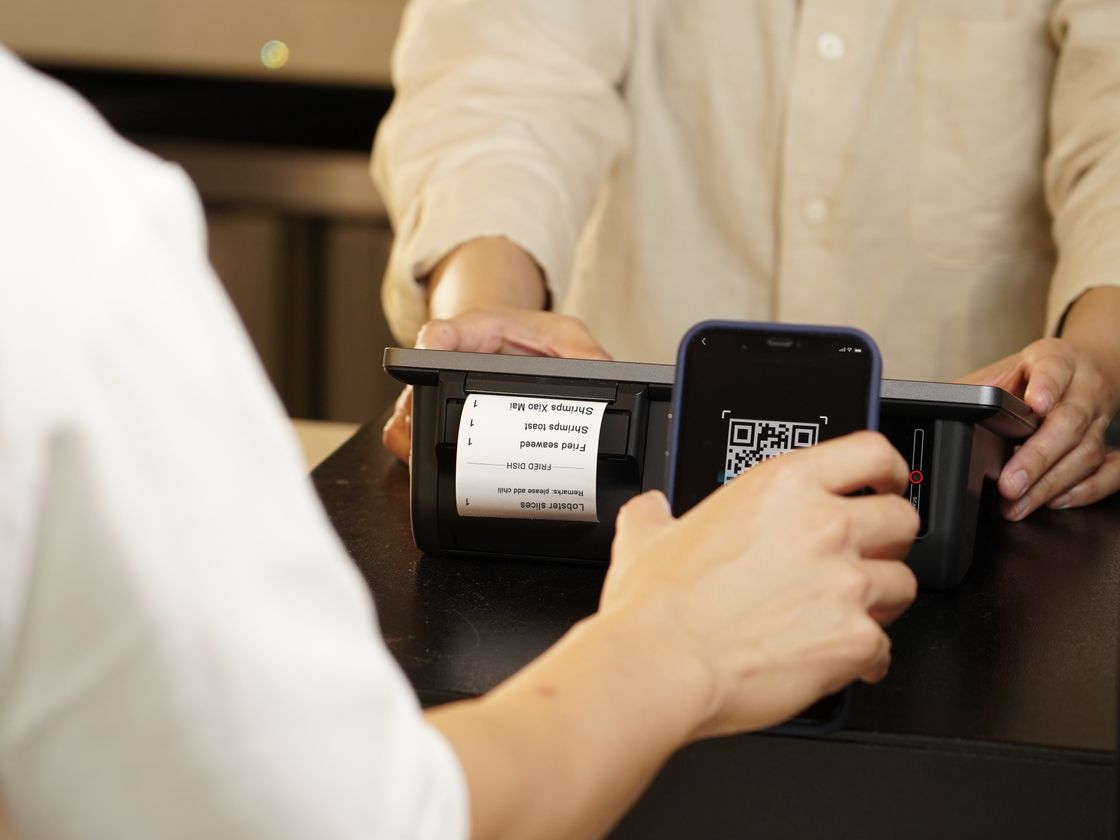
- Shops and cafes that take crypto at the counter.
- Nonprofits and creators collecting donations from supporters. See our donation QR code guide.
- Event organizers with a sign for sponsors or attendees who want to contribute.
- Meetups and communities sharing a tip jar or group wallet.
- Anyone who often shares a wallet address and wants to stop pasting it into chats.
How to create one with Infinite QR
- Sign up. Create your Infinite QR account. The Crypto type is included in every paid plan, starting with Starter at $1 a month. It is not part of the Free plan.
- Choose the Crypto type in the QR code generator.
- Enter your wallet details. Copy the address directly from your wallet app rather than typing it. Confirm which network and currency the address is for.
- Customize the design. Choose colors and a shape, and add your logo (logos are available on paid plans). Keep strong contrast.
- Download it as PNG or SVG.
- Test-scan before printing. Scan with a wallet app and compare the address shown with the one in your own wallet, character by character at the start and end.
This code is static
The details are stored inside the code itself. You cannot change them after printing, and scans are not counted. If you move to a new wallet, you must create and print a new code. If you want a printed item that can be updated later, use a Website URL code that points to a page where you list your payment details. That is a dynamic code, so you can change where it points without reprinting.
Tips for better results
- Name the currency and network next to the code, such as “Scan to pay in [coin] on [network]”. Senders then know what to use.
- Consider a small test transfer before you print a lot of signs.
- Print it large enough for easy scanning. See the QR code size guide.
- Use a dedicated wallet for each purpose if you want to keep payments easy to tell apart.
- Protect your display. A sticker placed over your code could send money to someone else. Read QR code safety tips.
Before you go live, walk through the whole flow once as a customer would: print one copy, scan it from a normal distance, and compare what the wallet shows with your own records. Doing this once takes a few minutes and can save you from a costly surprise later.
Common mistakes to avoid
- Mismatched network. If the sender uses a different network from the one your address expects, the funds may be lost. Always state the network and check it.
- Typing the address by hand. Paste it from your wallet instead.
- Printing before testing. Sent crypto generally cannot be reversed, so verify everything first.
- Printing many static codes and then switching wallets. You would have to reprint all of them.
Questions people ask
Can a crypto payment be reversed if someone sends it to the wrong place?
Generally no. Crypto transfers are usually final, so check the address and network before printing and before sending.
Does Infinite QR hold or process the funds?
No. It only creates the code. The transfer is made in the sender’s wallet.
Can I change the wallet after printing?
No. A crypto code is static. Make a new one and print it again.
Is it on the Free plan?
No. It is included in every paid plan, starting at $1 a month.
Ready to get started? The Crypto QR code is included in every paid plan from $1 a month. See the plans and make yours.